Back to Core Circuit IT · Business cards

Email signature and ad welcome
Copy the signature into Gmail. After this page is live, the image loads from corecircuitit.com.
Email signature

Select the white card below, copy, then paste it into Gmail → Settings → See all settings → General → Signature.
Select and copy this

|
- Click inside the white card, then Ctrl+A (or Cmd+A) and copy.
- Gmail (computer) → Settings → See all settings → Signature → paste.
- Save changes at the bottom of the Gmail settings page.


Facebook profile

1080 × 1080 square. Facebook will show it as a circle. The C sits inside the crop.
Download profile PNG Download profile JPG

- Facebook Page → profile photo → Upload photo.
- Use the PNG. JPG is there if Facebook asks for it.
- Do not zoom in so far that the traces get cut off.
Ad / Messenger welcome PNG, transparent
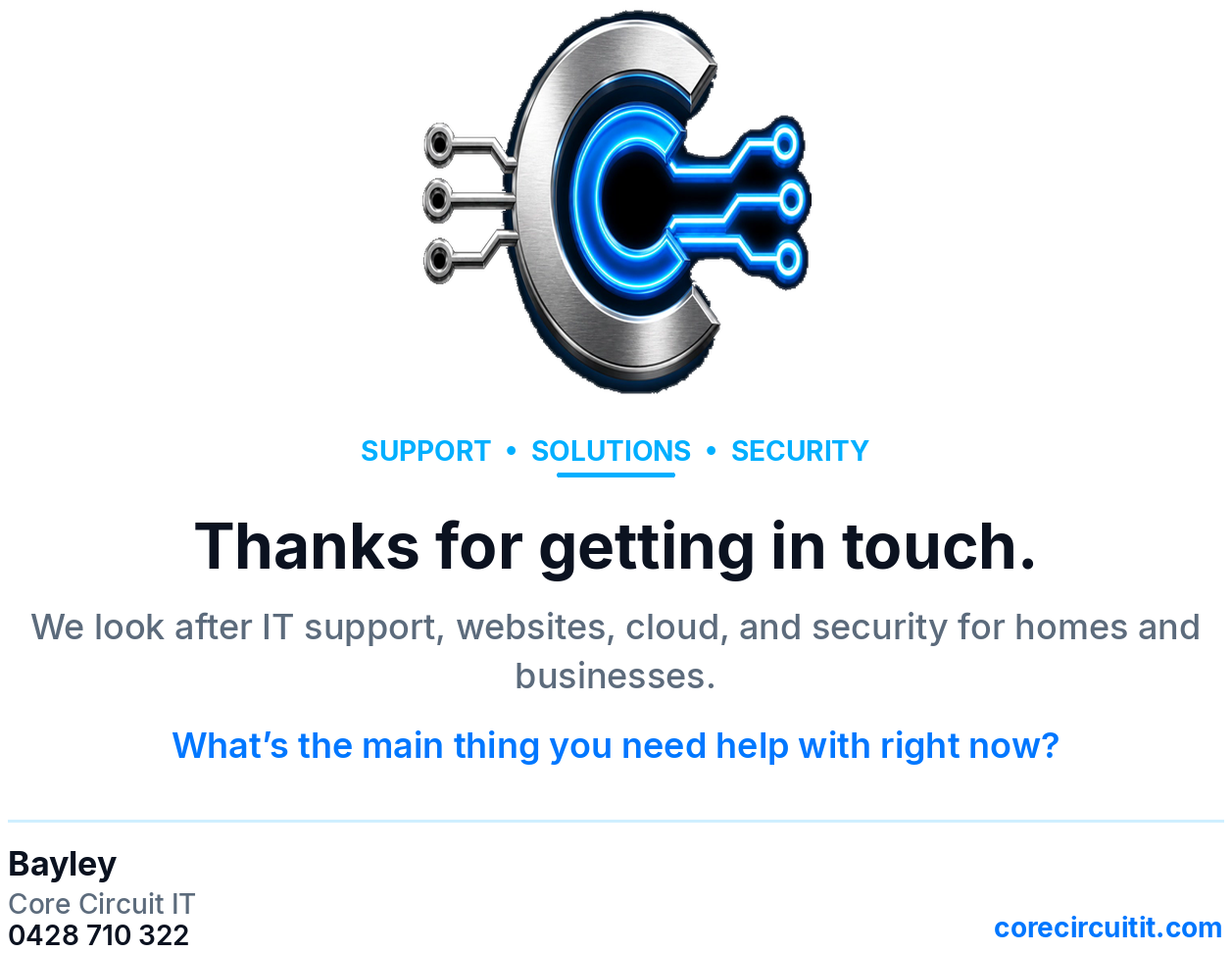
In Meta Ads Manager or Page Inbox, send this image as the first reply. Facebook’s automatic greeting field is still text only. Paste the message below there, then attach the PNG if the ad allows an image.
Automatic text reply. Copy this
Hi. Thanks for getting in touch with Core Circuit IT. We look after IT support, websites, cloud, and security for homes and businesses. Tell me what’s going on and I’ll point you in the right direction. What’s the main thing you need help with right now? Bayley 0428 710 322 corecircuitit.com